
Ways to Improve Wi-Fi Reception in Windows 11 and 10
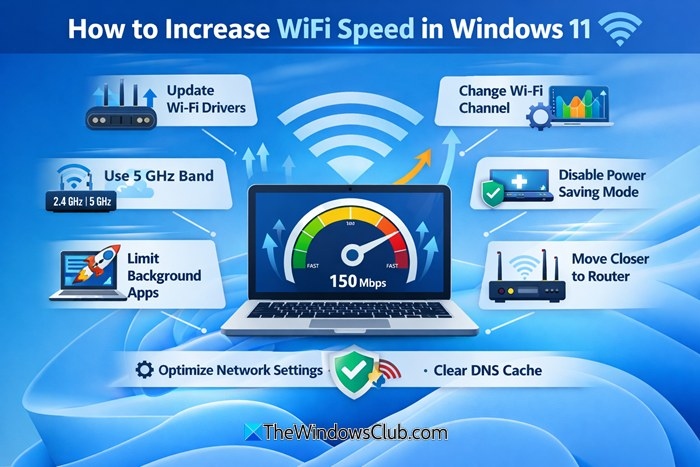
Weak Wi-Fi can cause slow connections and frequent disconnections. These changes focus on router placement, obstacles, antennas, adapters, repeaters and equipment updates to improve reception.
What We Know
Windows 11/10 alerts you when Wi-Fi signal strength is low, but improving reception may require changes to your network setup. Weak signals can slow your connection and cause frequent disconnections.
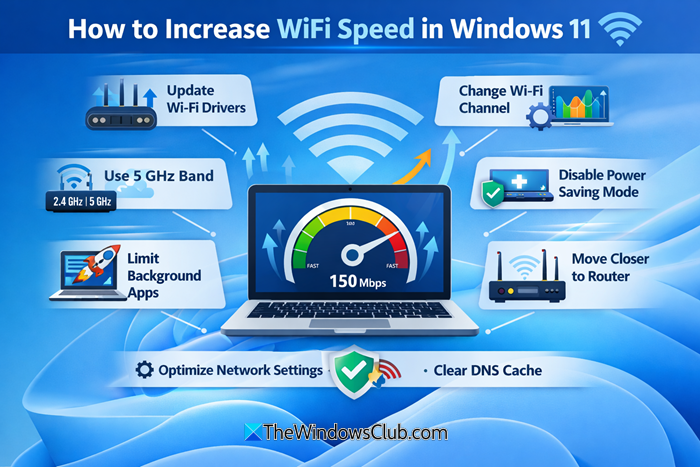
Put the router in a central location
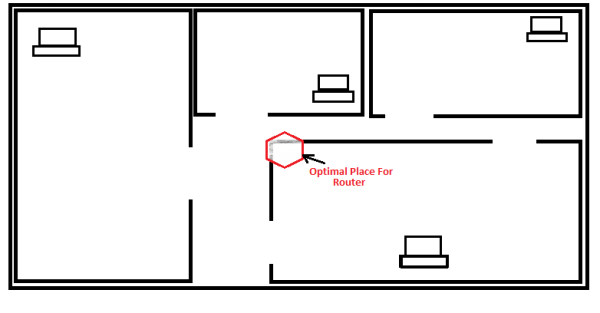
Choose a central position for your wireless router or access point based on the rooms that need coverage. Aim for roughly equal distances to those rooms. In a two-floor home, placing the router on a high shelf may help signals reach both floors.
A corner location can provide good reception nearby but weak reception at the opposite end of the house, while sending much of the signal outside. Password-protect the network to prevent others from using it.
Move obstacles where possible
Although walls cannot be relocated, metal shelving, cupboards and other storage furniture can be moved out of the signal path. Metal blocks wireless signals, which travel in straight lines rather than bending around obstructions. Keep the router away from exterior walls to avoid directing much of its signal toward neighboring properties.
Consider a high-gain antenna
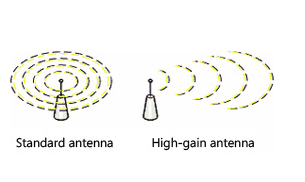
The default antenna on many routers is omnidirectional, sending signals in every direction. Near an exterior wall, that can send half the signal outside. If the antenna is detachable, replacing it with a high-gain model lets you focus the signal in the desired direction.
Replace card-based wireless adapters
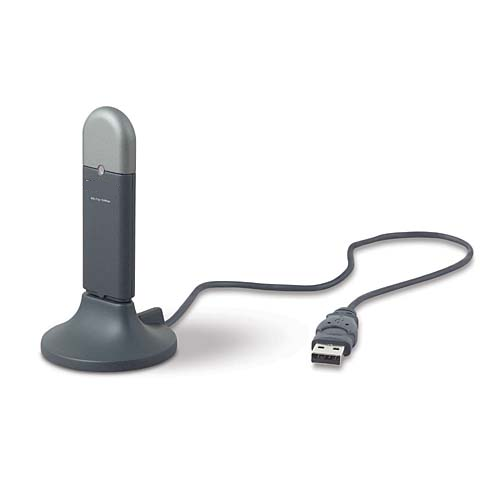
Built-in wireless networking is suitable, but a computer using a card-based adapter may struggle to transmit a strong enough signal back to the router, even when it receives the router’s signal well. Both ends must communicate effectively. Replacing a card-based adapter with a USB wireless network adapter is suggested; USB adapters also use a high-gain antenna to improve reception.
Extend coverage with a wireless repeater
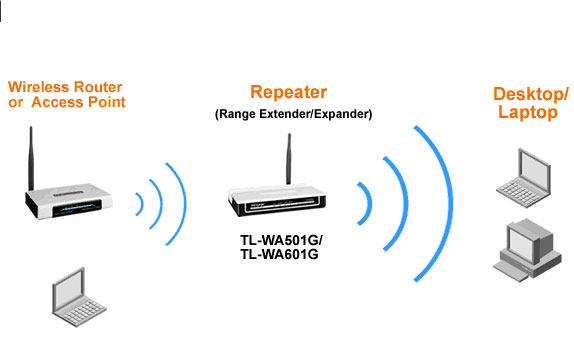
A wireless repeater receives a weak signal, boosts it and sends it onward in a particular direction. Like repeaters used by radio stations, it can strengthen reception and expand coverage over a larger area.
Update router and adapter firmware
Check the router and adapter vendors’ websites regularly for firmware updates. Install available updates to improve device performance and security.
Consider moving to 802.11n
Many network devices use 802.11g. Compared with that technology, 802.11n offers higher speeds and improved stability. Consider replacing an older router and adapters with 802.11n equipment, and consider buying from one vendor for optimal performance.
Place curved aluminum foil behind the router
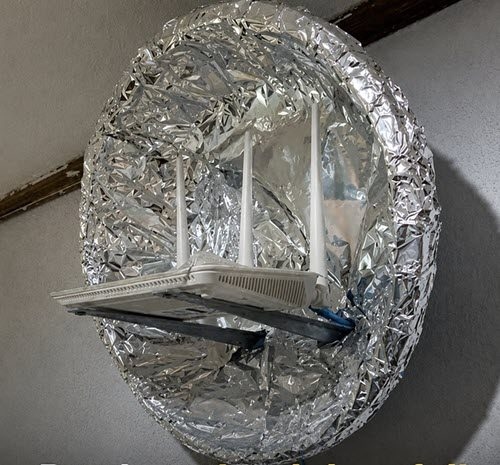
Curved aluminum foil acts as a simple parabolic reflector, directing Wi-Fi radio waves forward rather than allowing them to travel into the wall.

