
Choosing a WiFi Booster: Mesh, Range Extenders and TP-Link Options
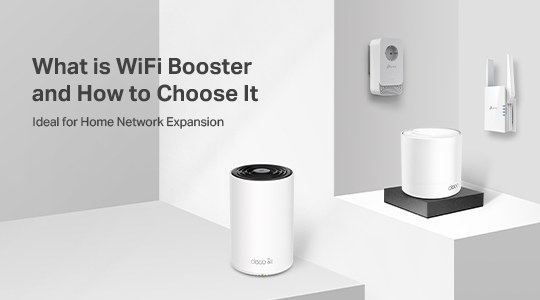
Compare Mesh WiFi, range extenders and powerline adapters to find a suitable way to improve indoor or outdoor coverage. The guide explains placement, electrical-circuit requirements and the features of recommended TP-Link options.
What We Know

Weak signals can interrupt live sports, Netflix or an outdoor movie night. A WiFi booster extends coverage into rooms, corners and outdoor spaces that your existing network struggles to reach.
How WiFi boosters extend your network
Home network performance depends on connection speeds, fiber or Ethernet access, interference, walls, other obstacles, the area covered and connected clients. Boosters address distance-related weak signals and dead zones by extending an existing network over wireless or wired connections; some support both.
RE Mode
In RE (range extender) mode, the booster receives the main router’s signal wirelessly and retransmits it to clients.

AP (Access Point) Mode
In AP mode, an Ethernet cable connects the extender to the existing router, and the extender converts that wired connection into WiFi.

When a booster can help
- Weak or absent signals: Distance, walls and floors can prevent a router from reaching parts of a large home. Options such as powerline adapters extend connectivity to other rooms or floors.
- Dead zones: Even multiple routers may leave gaps because of placement, thick walls or interference from a microwave. A booster near the affected area can restore coverage.
- Outdoor coverage: Extending the home network can bring WiFi to a garden, backyard, patio or outdoor garage for activities such as video calls and outdoor movies.
Three approaches to boosting WiFi
Mesh WiFi
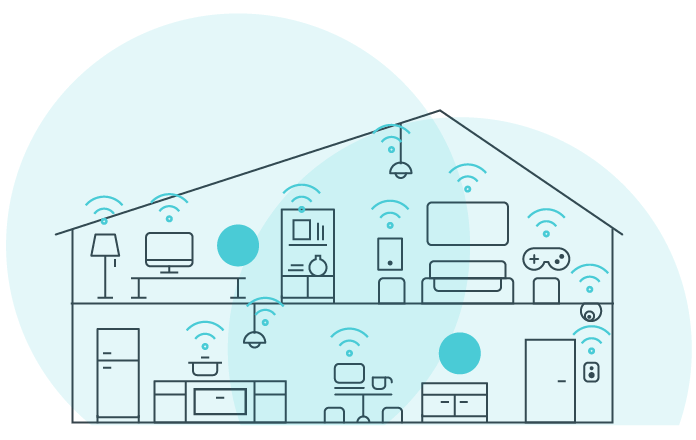
If several network nodes still leave dead zones as you move around, Mesh WiFi offers whole-home coverage with seamless roaming, from basement to rooftop. Rather than managing separate nodes individually, a TP-Link whole home Mesh system combines them into one network sharing its name, password, access controls and other WiFi settings.
Range extenders (RE)
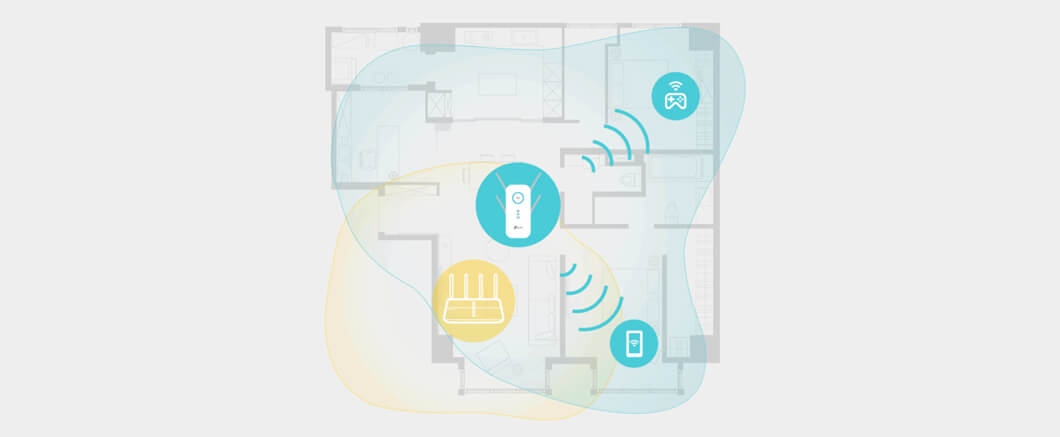
Also called repeaters by some manufacturers, range extenders use amplifiers and antennas to receive and repeat a router’s wireless signal, increasing coverage by up to twice the range. Position an extender about halfway between the router and the dead zone. As you move, devices automatically choose the router or extender to avoid coverage gaps and sudden signal drops.
Powerline adapters (PLC)
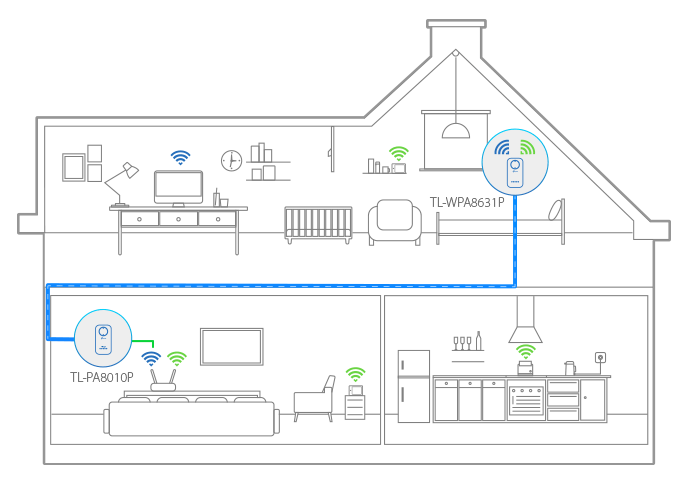
Powerline adapters carry network data through existing electrical wiring instead of relying on the wireless links used by range extenders and Mesh WiFi. They suit larger or multi-story homes where thick walls and ceilings hinder wireless signals, without requiring holes for expensive, complicated Ethernet cabling.
Both adapters must use the same electrical circuit. In a home with multiple circuits, check that the router’s location and the area needing coverage share one circuit.
Matching a booster to your home
- Layout: Range extenders are recommended for one-story homes, since concrete walls, metal objects and microwaves can interfere with them. Powerline adapters are the preferred choice for multiple floors and thick walls.
- Installation: Mesh WiFi offers easy setup and management. Powerline installation can be more challenging because both adapters must share a circuit.
- Available outlets: A Powerline device with passthrough lets you power a regular appliance from the same outlet while extending the network.
- Cost: Typical relative pricing is Mesh WiFi System > Range Extender ≥ Powerline Adapter.
| Comparison | Mesh WiFi | Range extender | Powerline adapter |
|---|---|---|---|
| One-story home | ⭐⭐⭐⭐⭐ | ⭐⭐⭐⭐⭐ | ⭐⭐⭐⭐⭐ |
| Multi-story home | ⭐⭐⭐⭐⭐ | ⭐⭐⭐ | ⭐⭐⭐⭐⭐ |
| Connection method | Wired or wireless | Wireless | Powerline |
| Installation condition | None listed | None listed | Same electrical circuit |
| Configuration | Easy setup and management | One-touch WiFi configuration | One-touch WiFi configuration |
| Reliability | Great | Fair | Good |
| Key features | One WiFi name with seamless roaming; flexible placement; stable long-range connections; IoT Center for smart-home control; Deco Mesh Technology on TP-Link Deco products only | Works with any router; flexible placement; AC Passthrough on specific products; OneMesh™ on TP-Link products only; EasyMesh on EasyMesh-compatible products only1 | Works through walls and floors; reliable long-range connections; internet from any outlet; HomePlug or G.hn compatibility2; AC Passthrough on specific products |
| Price range | Medium to high | Medium | Low to medium |
Stars indicate the recommendation rating.
10 TP-Link WiFi boosters to consider
The recommendations span Deco Mesh WiFi, range extenders and powerline adapters.
Deco Mesh WiFi
| Feature | Deco XE75 | Deco X55 | Deco X50-PoE | Deco X50-Outdoor |
|---|---|---|---|---|
| Image | 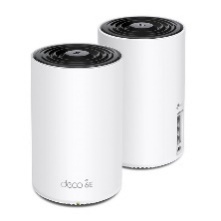 | 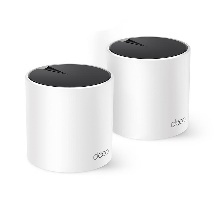 | 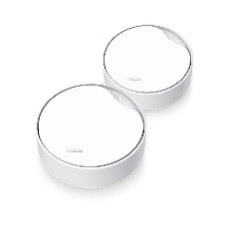 | 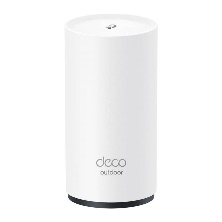 |
| Intended role | Entry-level WiFi 6E Mesh solution | Comprehensive Mesh WiFi 6 solution | Mesh WiFi for multiple installation scenarios | Outdoor network extension |
| Bands | Tri-Band | Dual Band | Dual Band | Dual Band |
| WiFi class | AXE5400 | AX3000 | AX3000 | AX3000 |
| Speed | 2402 Mbps (6 GHz) + 2402 Mbps (5 GHz) + 574 Mbps (2.4 GHz) | 2402 Mbps (5 GHz) + 574 Mbps (2.4 GHz) | 2402 Mbps (5 GHz) + 574 Mbps (2.4 GHz) | 2402 Mbps (5 GHz) + 574 Mbps (2.4 GHz) |
| Coverage | Up to 5,500 sq. ft. (2-pack) | Up to 4,500 sq. ft. (2-pack) | Up to 4,500 sq. ft. (2-pack) | Up to 4,500 sq. ft. (2-pack) |
| Device capacity | Up to 200 Devices | Over 150 Devices | Over 150 Devices | Over 150 Devices |
| Ethernet | 3× Gigabit Ports | 3× Gigabit Ports | 1× 2.5 Gbps Port + 1× Gigabit Port | 2× Gigabit Ports |
| Distinctive features | The new 6 GHz spectrum reduces congestion for strong, high-speed connections. | A compact, decorative design combines essential features with the most affordable price. | PoE simplifies deployment; included adaptive accessories support tabletop, ceiling or wall installation. | IP65 waterproof and dustproof construction suits outdoor WiFi. Supports PoE and tabletop, pole or wall installation with adaptive accessories. |
All four models share these capabilities:
- Seamless AI-Driven Mesh: Learns the network environment to tailor WiFi to the home.
- TP-Link HomeShield: Offers network protection, parental controls, real-time IoT security and QoS.
- 160 MHz Channel: Doubles bandwidth for more simultaneous transmissions at the fastest possible speeds.3
- Deco App: Provides step-by-step setup and network management anytime, anywhere.
- Deco compatibility: Works with every other Deco model to create a Mesh network.
- Voice control: Supports control through an Amazon Alexa or Google Assistant-enabled device.
Range extenders (RE)
|
Model |
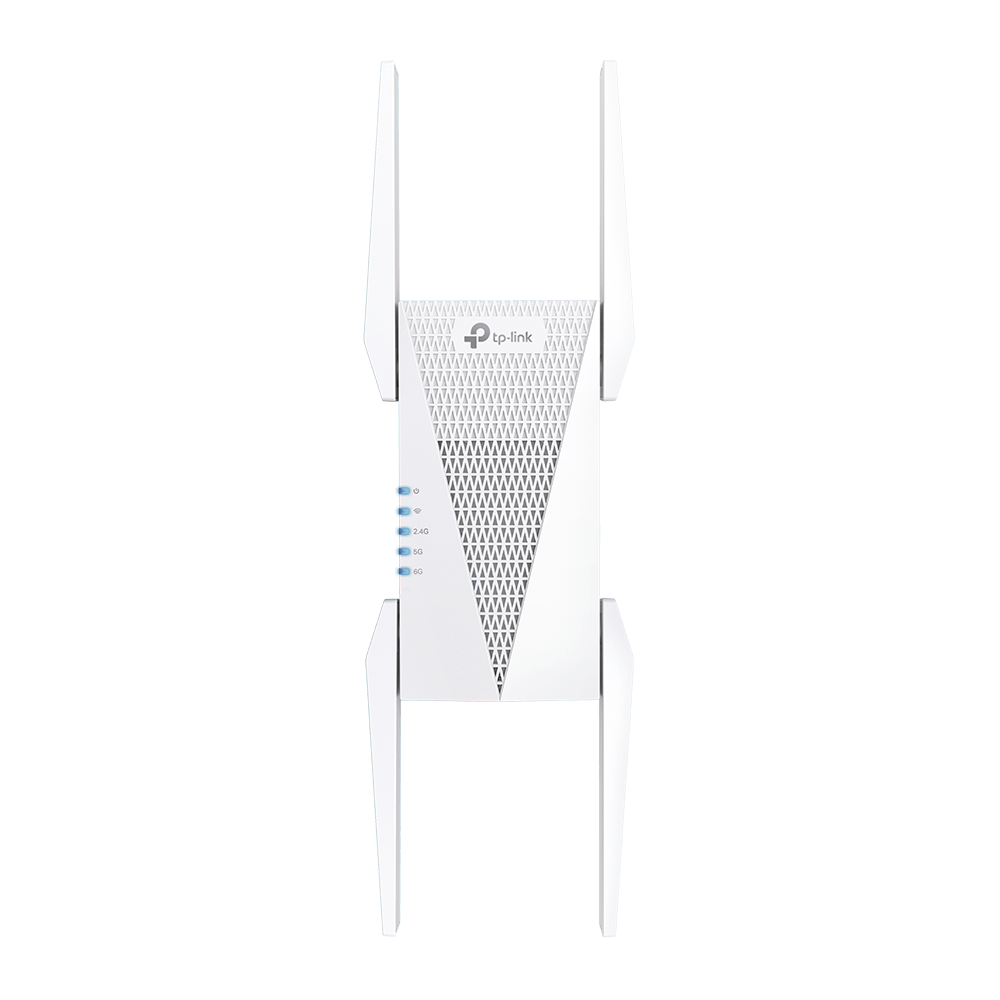
RE815XE |
RE900XD |
RE605X |
RE505X |
|
Images |
|
|
|
|
|
Wi-Fi Class |
AXE5400 |
AX6000 |
AX1800 |
AX1500 |
|
Wi-Fi (2.4 GHz) |
574 Mbps |
1148 Mbps |
574 Mbps |
300 Mbps |
|
Wi-Fi (5 GHz) |
2402 Mbps |
4804 Mbps |
1201 Mbps |
1201 Mbps |
|
Wi-Fi (6 GHz) |
2402 Mbps |
|||
|
Ethernet Ports |
1x Gigabit Port |
1x 2.5 Gbps Port + 2x Gigabit Ports |
1x Gigabit Port |
1x Gigabit Port |
|
MU-MIMO |
● |
● |
● |
● |
|
Beamforming |
● |
● |
● |
● |
|
OneMeshTM |
● |
● |
● |
● |
|
EasyMesh1 |
● |
● |
● |
● |
|
Signal Indicator |
● |
● |
● |
● |
|
Tether App |
● |
● |
● |
● |
|
AP Mode |
● |
● |
● |
● |
|
WPS Button |
● |
● |
● |
● |
|
Multi-Language |
● |
● |
● |
● |
|
High Speed Mode |
- |
● |
● |
● |
|
Power Schedule |
● |
● |
● |
● |
|
LED Control |
● |
● |
● |
● |
|
Access Control |
● |
● |
● |
● |
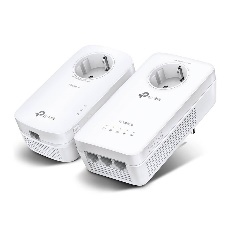
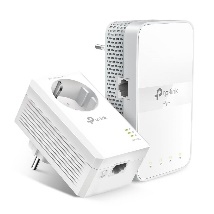
Powerline adapters (PLC)
|
Model |
TL-WPA8631P KIT |
TL-WPA7617 KIT |
||
|
Images |
|
|
||
|
Sub-model |
TL-WPA8631P |
TL-PA8010P |
TL-WPA7617 |
TL-PA7017P |
|
Protocol |
HomePlug AV2 |
HomePlug AV2 |
||
|
Powerline Speed |
1300 Mbps |
1000 Mbps |
||
|
Wi-Fi Class |
AC1200 |
N/A |
AC1200 |
N/A |
|
Wi-Fi (2.4 GHz) |
300 Mbps |
N/A |
300 Mbps |
N/A |
|
Wi-Fi (5 GHz) |
867 Mbps |
N/A |
867 Mbps |
N/A |
|
Gigabit Ports |
3 |
1 |
1 |
1 |
|
Power Socket |
● |
● |
- |
● |
|
Wi-Fi Auto-Sync |
● |
- |
● |
- |
|
Web UI |
● |
- |
● |
- |
|
Utility |
● |
● |
● |
● |
|
OneMeshTM |
● |
- |
● |
- |
|
MU-MIMO |
● |
- |
||
|
QoS |
● |
● |
||
Compatibility and regulatory notes
1 TP-Link EasyMesh-compatible products can network with other EasyMesh devices, but firmware conflicts between vendors may cause connection failures. Some models still have the EasyMesh-Compatible function under development and will receive it through subsequent software updates.
2 G.hn powerline adapters cannot work with HomePlug AV/AV2 powerline adapters.
3 Spectrum regulations may prevent use of 160 MHz bandwidth on the 5 GHz band in some countries or regions, affecting theoretical speeds. Doubled channel width and speed compare 160 MHz with 80 MHz on WiFi 6 products.
Media contact: [email protected]

