
Choosing a Router Location for Stronger Home Wi-Fi
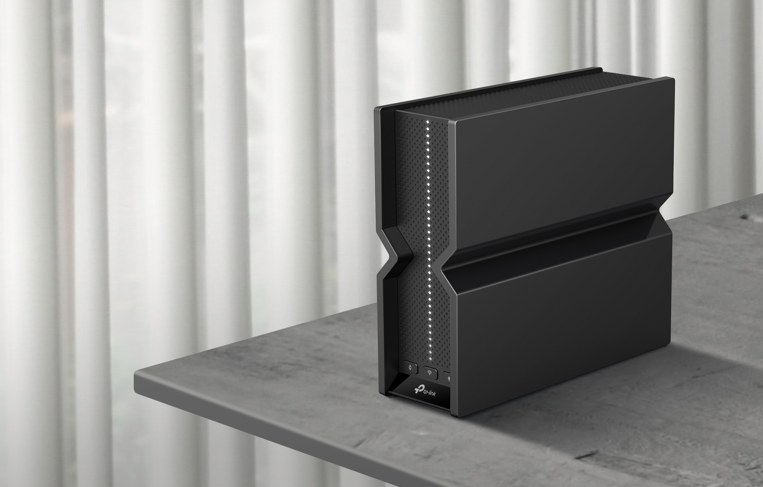
A central, raised, unobstructed router position can often solve weak Wi-Fi without new hardware. Learn six placement principles, how to cover two floors, and when a mesh system, extender, or newer router may be needed.
What We Know
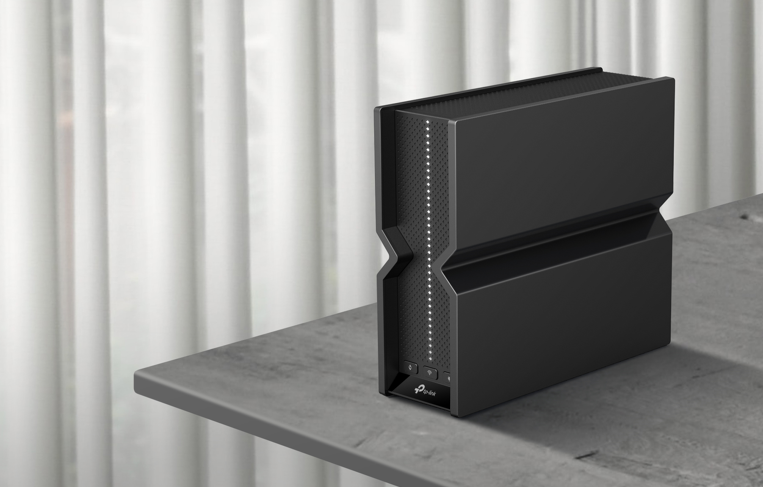
Weak Wi-Fi is often a placement issue rather than a hardware fault. Moving the router to a central, elevated, open position away from interference is a free change that can improve coverage.
How Location Affects Coverage
A router broadcasts in every direction. At the edge of a home, much of that signal travels through exterior walls instead of toward your devices. Central positioning is the most important factor in distributing coverage evenly.
Range and signal quality also depend on frequency band, antenna direction, distance, walls, and metal objects. The 5 GHz band offers higher speeds over shorter distances, while 2.4 GHz reaches farther with less bandwidth. Physical obstacles affect both.
6 Principles for Better Router Placement
1. Center It Around Your Devices
Choose a location that reduces the distance to the devices throughout your home. This need not be the building's exact geographical center: the important center is where your devices are used. A basement office, back bedroom, corner, or exterior wall usually leaves other rooms farther from the signal.
2. Raise It Above Floor Level
Most home routers have omnidirectional antennas that radiate strongly across a horizontal plane and less strongly upward or downward. On the floor, a significant share of that signal is directed into the ground.
A shelf, cabinet top, or wall mount several feet above the floor lets the signal spread across the rooms where devices are used.
3. Leave It Unenclosed
A cabinet, media center drawer, or space behind a TV stand may hide the router neatly, but it also obstructs its signal. Enclosures trap heat, which can shorten the router's life and cause performance throttling over time.
An open shelf, bookcase top, or wall mount provides both a clearer signal path and better cooling.
4. Separate It From Interference and Obstacles
Microwaves, baby monitors, cordless phones, and Bluetooth devices can compete with the router's 2.4 GHz signal.
Large metal objects—including refrigerators, filing cabinets, and metal-frame mirrors—can reflect or absorb Wi-Fi. Water can do the same, so a large fish tank may leave a coverage gap. Allow at least a few feet between the router and major appliances or large metal objects.
5. Set Adjustable Antennas for Your Floors
An antenna radiates perpendicular to its direction: a vertical antenna spreads coverage across a floor, while a horizontal one directs coverage between floors.
- In a single-story home, point all antennas straight up.
- For two stories, position one antenna horizontally for coverage between floors and keep another vertical for the router's floor.
- On a three-antenna router, keep the center antenna vertical and angle the outer two at roughly 45 degrees.
Many modern routers use internal antennas and manage this automatically.
6. Protect It From Heat and Moisture
Normal operation produces warmth, but additional heat and humidity can shorten a router's life. Avoid radiators, sunny windowsills, hot stereo receivers, and humid kitchens or bathrooms. Use a dry, ventilated location away from water and heat sources.
Locations to Avoid
- Basements: Concrete walls and the distance to occupied rooms weaken coverage.
- Closets and cabinets: Enclosures obstruct the signal and retain heat.
- Behind a TV: The television absorbs signal while metal mounts reflect it, creating a dead zone.
- Floors: Too much signal travels downward instead of across the room.
- Corners and exterior walls: Much of the signal goes outside rather than toward indoor devices.
- Beside another router: Closely spaced routers interfere with one another and compete for wireless channels.
Covering a Two-Story Home
For balanced coverage, put the router high on the ground floor: on a tall shelf, on a cabinet, or wall-mounted near the ceiling. This allows the signal to spread across the first floor and upward to the second.
A basement location performs poorly because the signal must pass through two floors rather than one. In homes with three or more floors, a single router rarely provides complete coverage, whatever its position; a mesh Wi-Fi system is then a practical next step.
When Moving the Router Does Not Solve the Problem
The Home Exceeds Its Coverage Range
Depending on the model, most single routers cover roughly 1,500 to 3,000 square feet. Larger properties, multiple floors, and thick walls can exceed that capacity. Persistent gaps despite relocation suggest that more coverage points are needed.
A mesh Wi-Fi system provides the most effective whole-home solution: its nodes operate as one seamless network as you move between rooms. A range extender is a more focused option for one weak area without replacing the existing setup. TP-Link's Deco mesh systems are intended for dead zones spanning multiple rooms or floors.
The Router Is Aging
Older hardware may struggle with modern households' device counts. Peak-time slowdowns, frequent disconnections, and gaps unaffected by repositioning can indicate that the router is the bottleneck.
The source's guide to improving home Wi-Fi also discusses quick fixes, longer-term options, choosing a Wi-Fi booster, and addressing slow Internet on a router.
Too Many Devices Are Connected
Phones, laptops, smart TVs, consoles, speakers, bulbs, and security cameras can create a simultaneous load that older routers were not designed to support.
Newer routers use Multi-User, Multiple Input, Multiple Output (MU-MIMO) and Orthogonal Frequency Division Multiple Access (OFDMA) to serve dense device environments more efficiently. Wi-Fi 6 and Wi-Fi 7 routers use both technologies to maintain speed when users stream, game, or make video calls at the same time.
Common Placement Questions
What is the best general location?
Choose an open, central spot above floor level, away from walls, metal objects, and large appliances. Placement changes alone often resolve coverage problems without new equipment.
Should the router go upstairs or downstairs?
For two floors, a high position on the ground floor offers the best balance. Avoid the basement, where extra floor material weakens the signal.
Can it sit behind the television?
No. The TV and its metal mount absorb or reflect the signal. An unobstructed location away from the television is preferable.
How high should it be?
The key is to lift it off the floor. A shelf, cabinet top, or wall mount several feet up helps distribute the signal horizontally.

